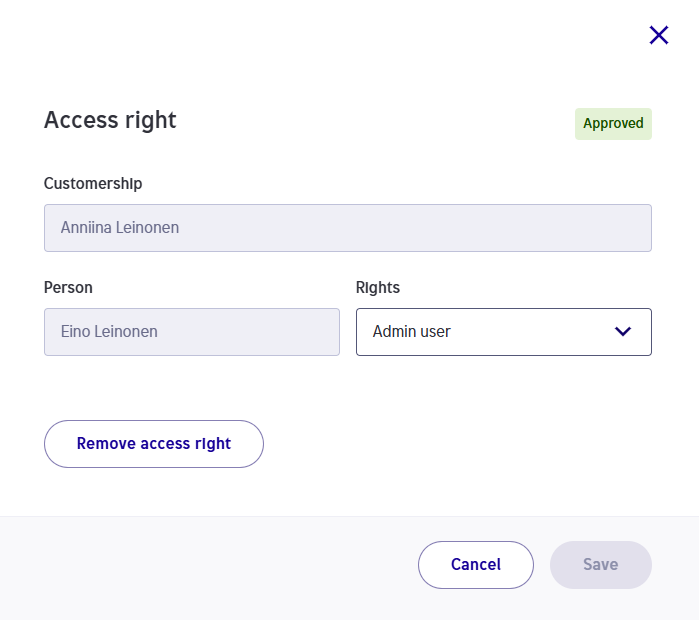
Sharing user rights
In Helen’s online services, you can manage everything with a single login. Here you can find instructions on how to add your other Helen contracts to the same service, as well as how to grant and remove user rights.
Frequently asked questions about Yritys Helen
The following actions are described in the instructions:
- Add your other Helen contracts to the service
- Grant access rights to another person
- Remove access rights
1. BRING OTHER HELEN CONTRACTS INTO THE SERVICE
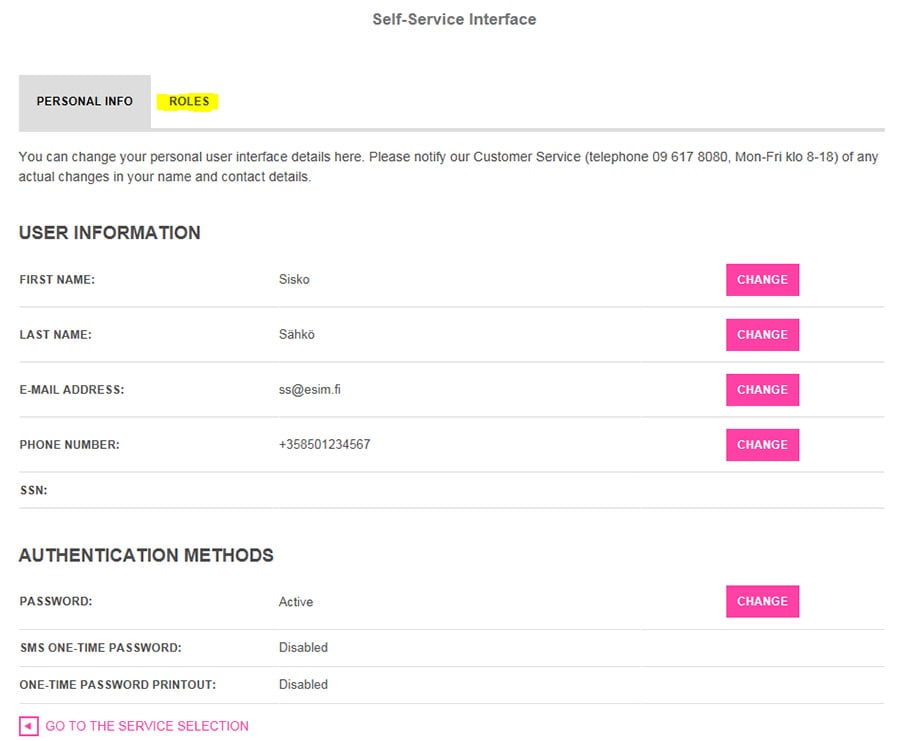
First go to the page where you can view and edit the details of your customer relationship, as well as the button for editing your personal information.
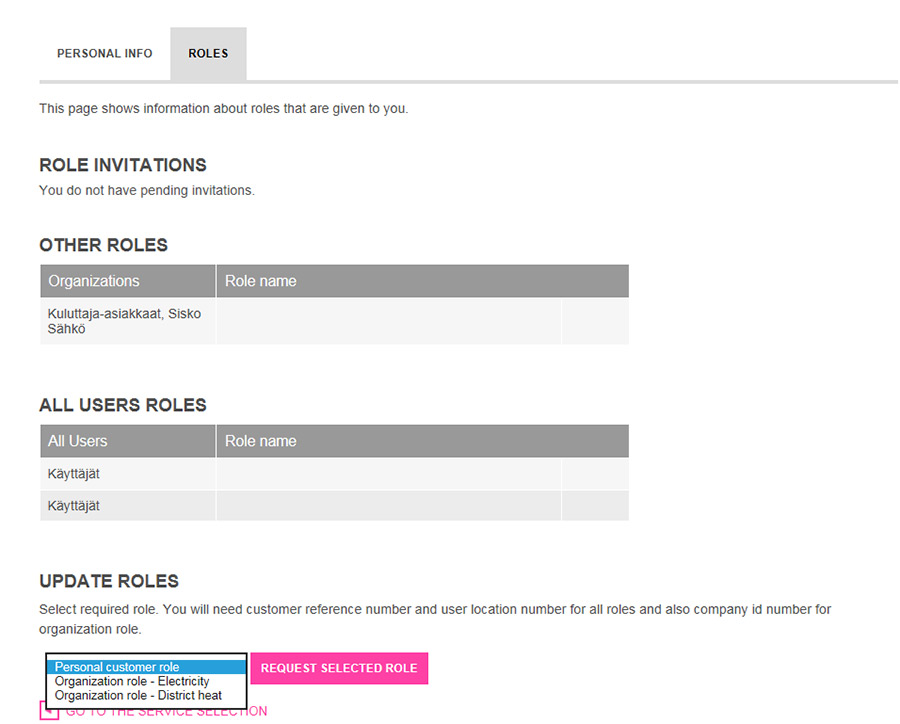
From the drop-down menu, select ´Personal customer role´ and click ´Request selected role´.
Make sure that the personal identity code is correct. Click ´Next´, and then follow the instructions.
In the end, select ´Move to Service Selection´.
2. GRANT USER RIGHT TO THE CUSTOMER ACCOUNT TO ANOTHER PERSON
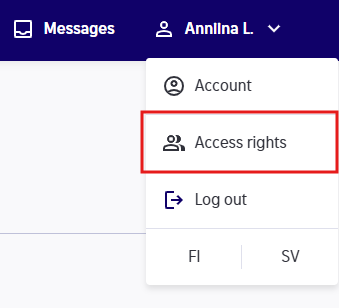
As the main user of the customer account, you can share and edit access rights in Oma Helen by selecting Access rights from the menu in the upper right corner.
On the Access rights page, you can see all customer accounts you have access to.
Access rights are always granted to the entire customer account, meaning all contracts and points of use included in it. Any future contracts within the customer account will also be visible to the users you have granted access to.
Access right roles
- Main user can manage access rights and active contracts (except submitting a move notification).
- View-only access allows viewing consumption data, contract details and invoices.